Basic flow description
This section describes the most usual way that AutoBackup can be used. Process description is general, more detailed instructions are referenced as links to other sections.
First step you should take is onboarding an account with resources that are supposed to be protected by AutoBackup. At this stage you can also add an account that will be used to store replicas.

After protected account is successfuly onboarded, it gets scanned. Resources are automatically detected and therefore visible in AutoBackup.

While the scanning is in progress, it is a good time to define policies and setups that will be assigned to resources.
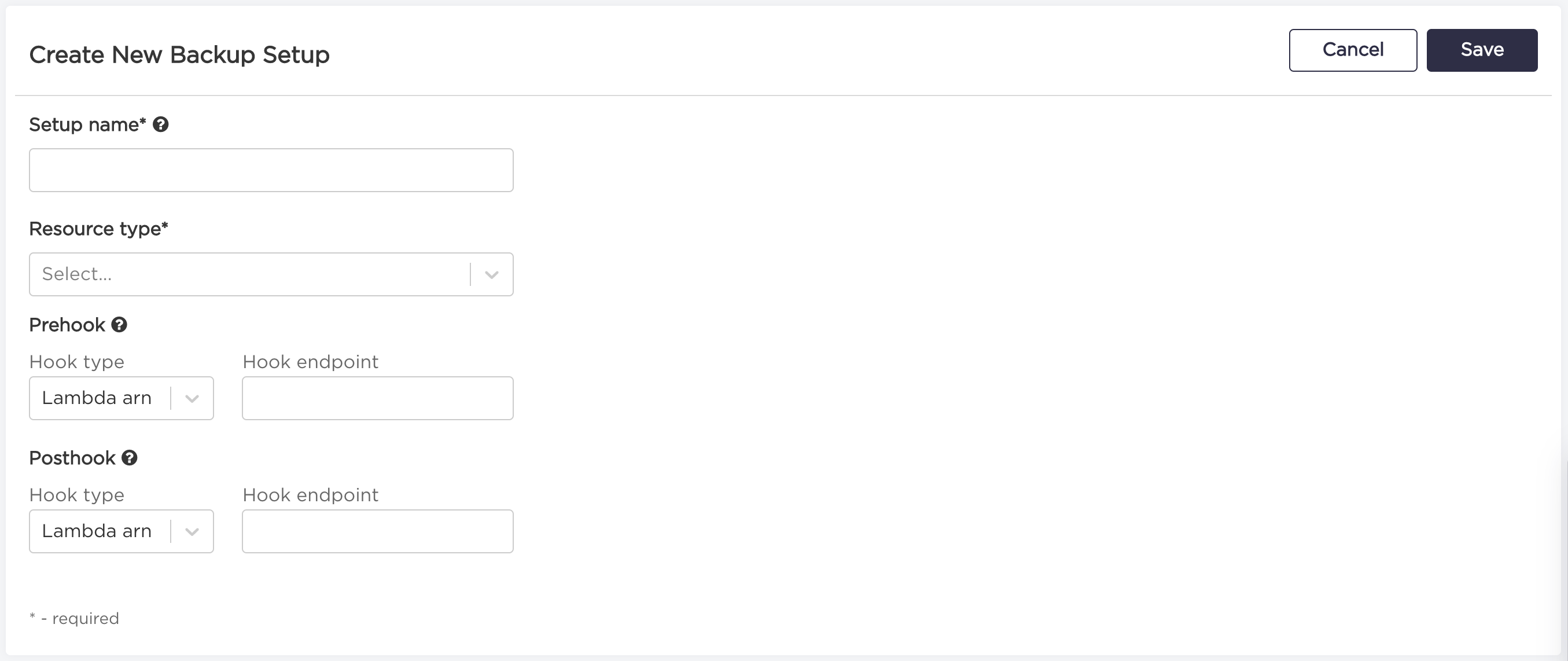
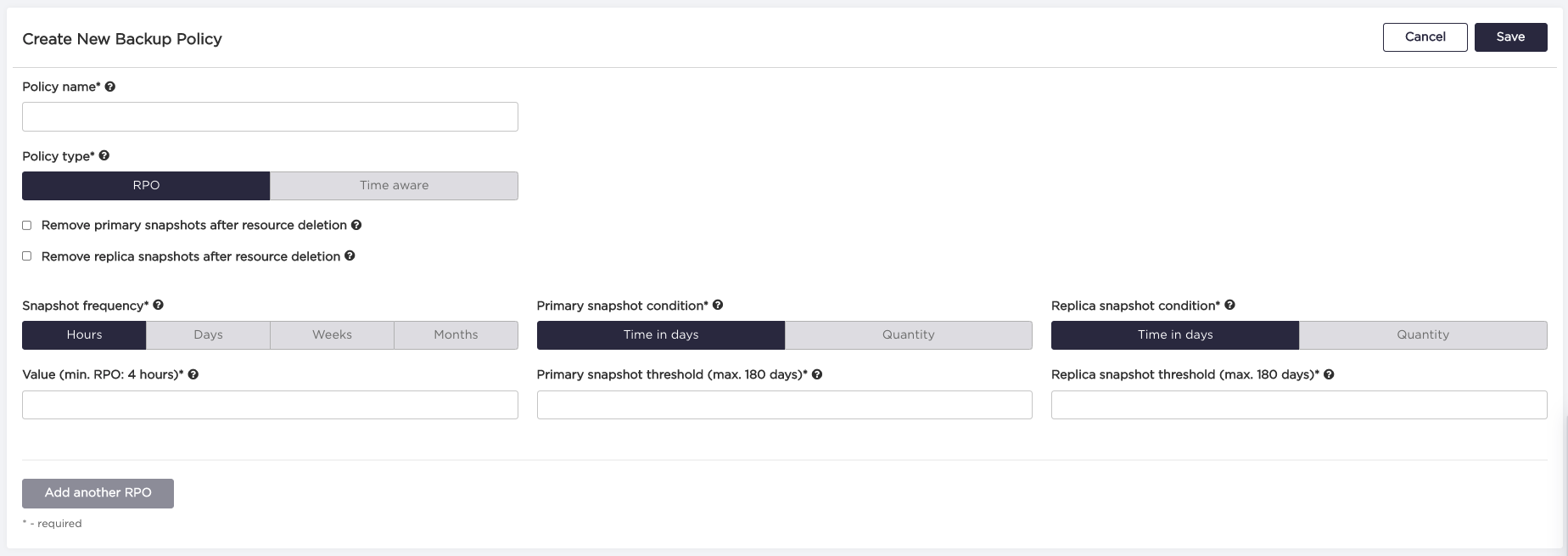
After resource has assigned Policy and Setup (either manually or by using AutoBackup tags) and backup is enabled on a resource, AutoBackup schedules events according to RPO defined in Policy, to ensure that RPO condition is met.
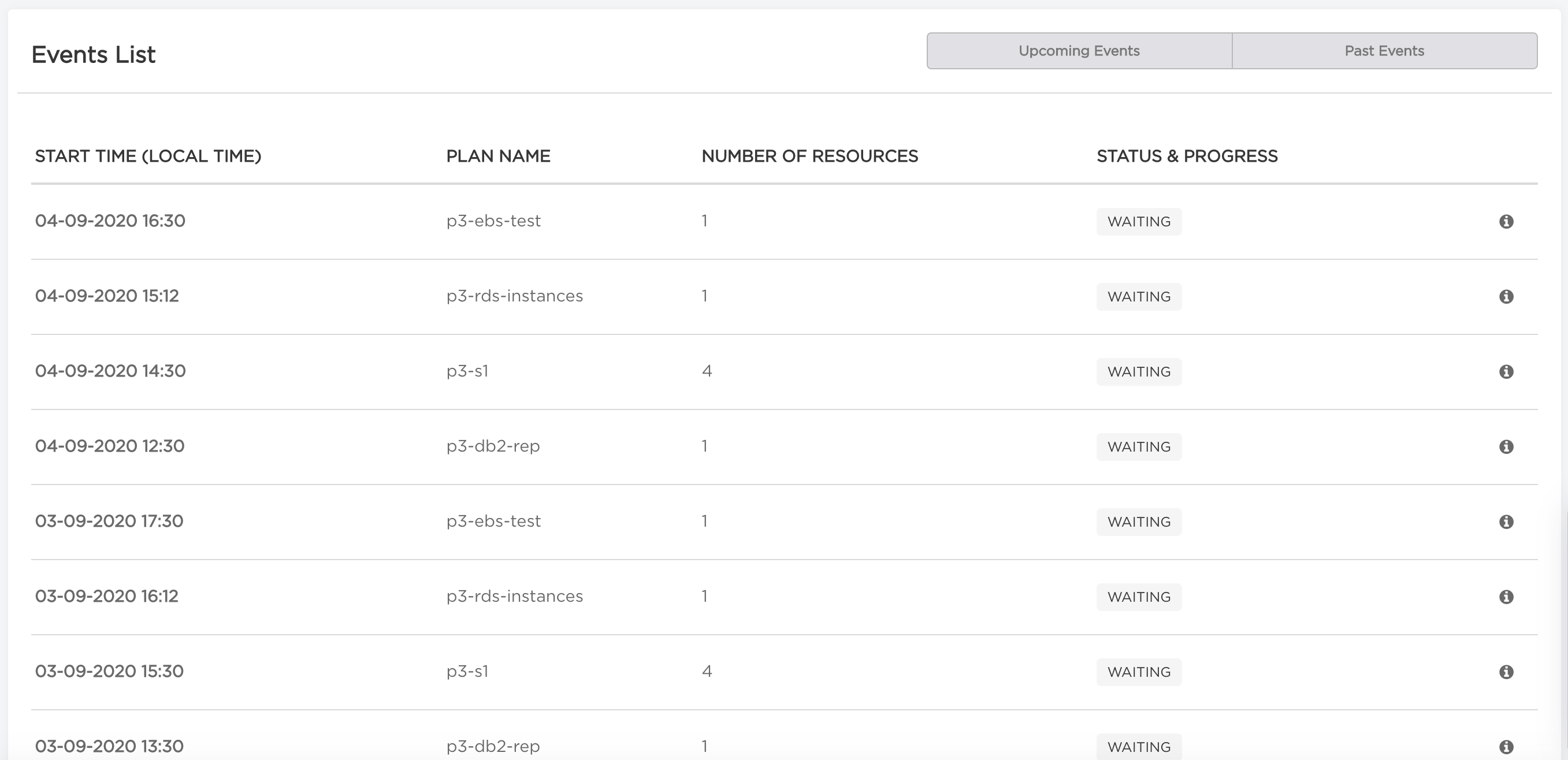
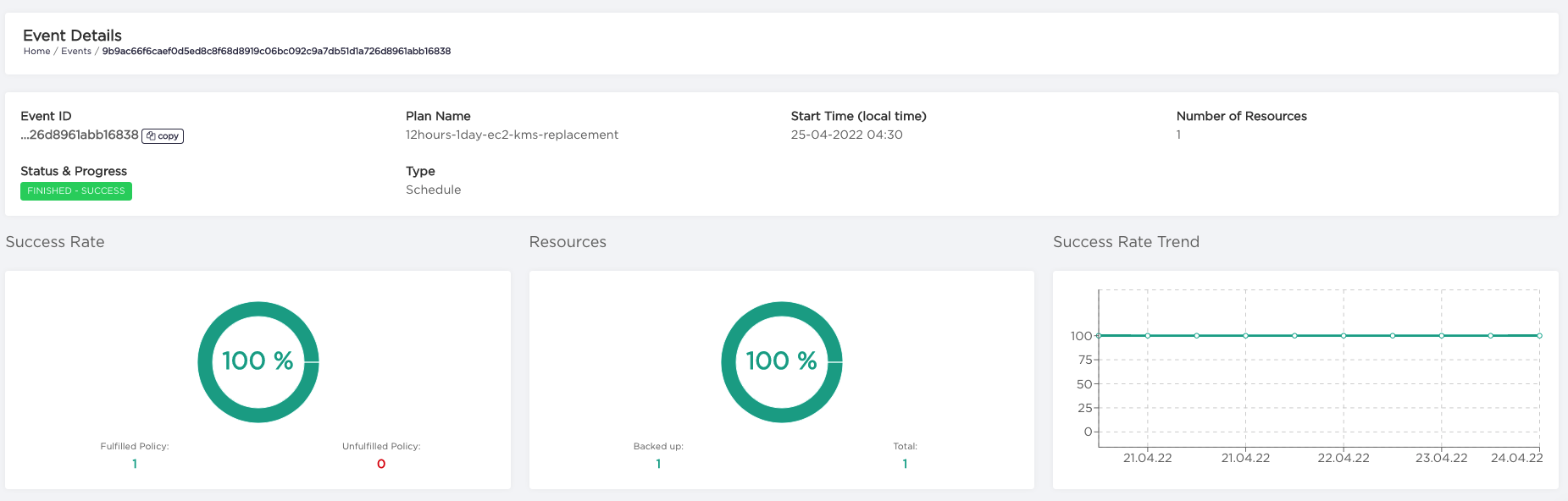
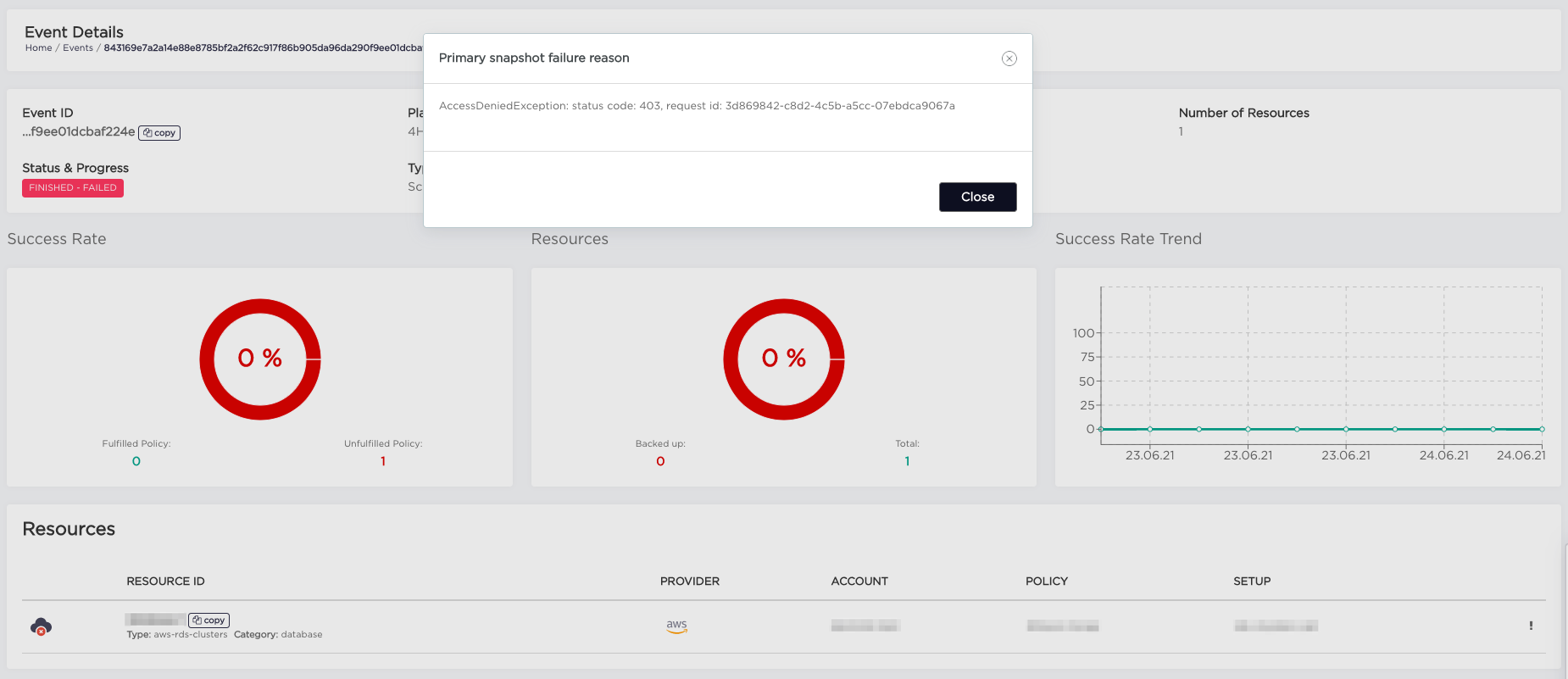
Information about backup process is visible on Events view. On Event Details view you can see the status of event, resources that were part of it and reasons of failure if it ocurred.
Restore data are available for each backed up resource as snapshot information.