IntroductionDashboard overviewBasic flowFirewall settingsManaging API keysManaging users
Usage
Operations on resourcesAzure Native VMsOpen list of Azure Native VMsShowing last error on external resourceSnapshotRestoreAPIDisaster RecoveryAzure Native VMs
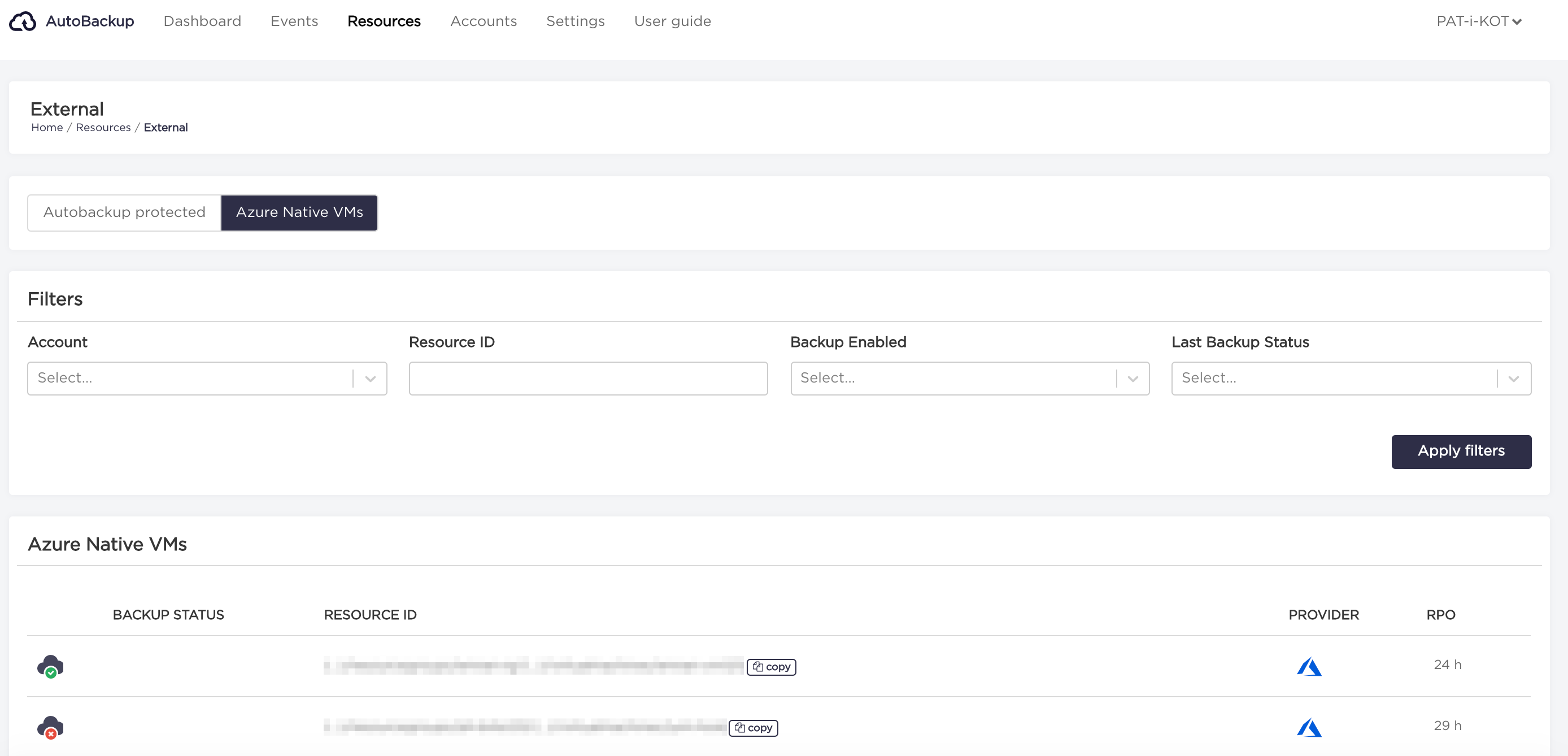
Azure Native VMs view shows the status of backup operations managed by Azure Native backup vaults mechanism. AutoBackup periodically scans the status of Azure backup operations and shows the results in UI.
Open list of Azure Native VMs
- Choose "Resources" from the navigation bar.
- Select "Azure Native VMs" from the navigation tab.
Showing last error on external resource
- Choose "Resources" from the navigation bar.
- Select "Azure Native VMs" from the navigation tab.
- Click on "three dots" on the right side of the resource with
errorbackup status, and select "Show error" option.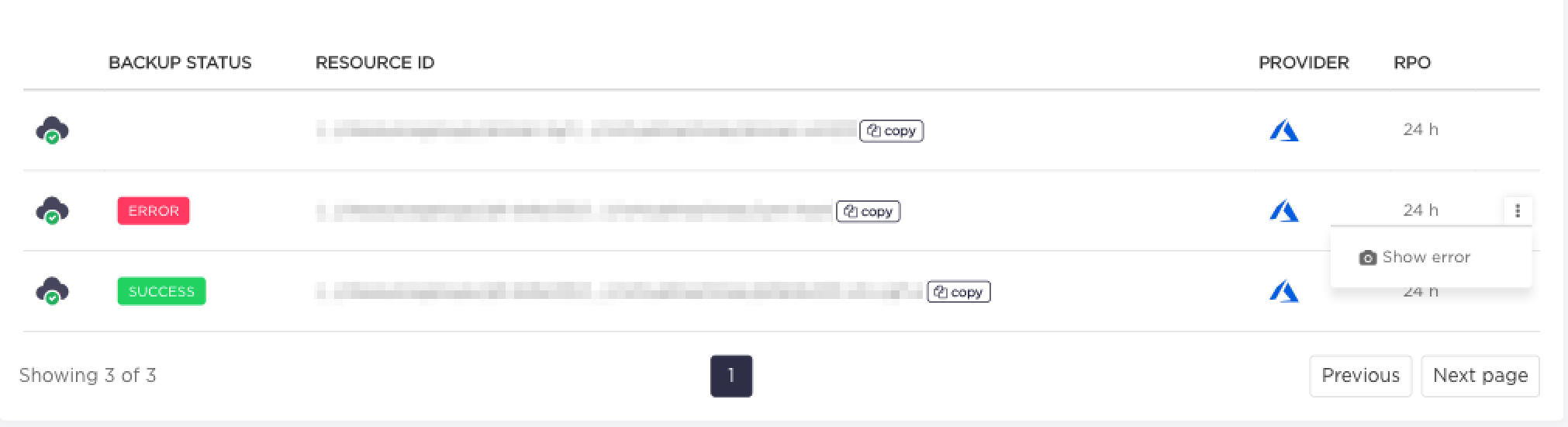
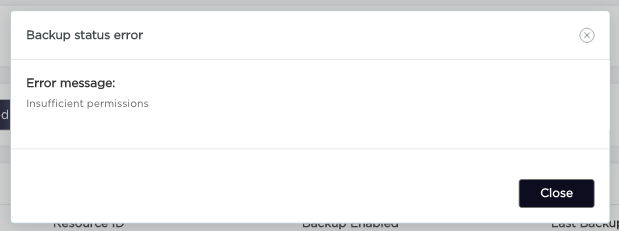
- In the window that will appear you can see Azure Native VMs error message.