Snapshot
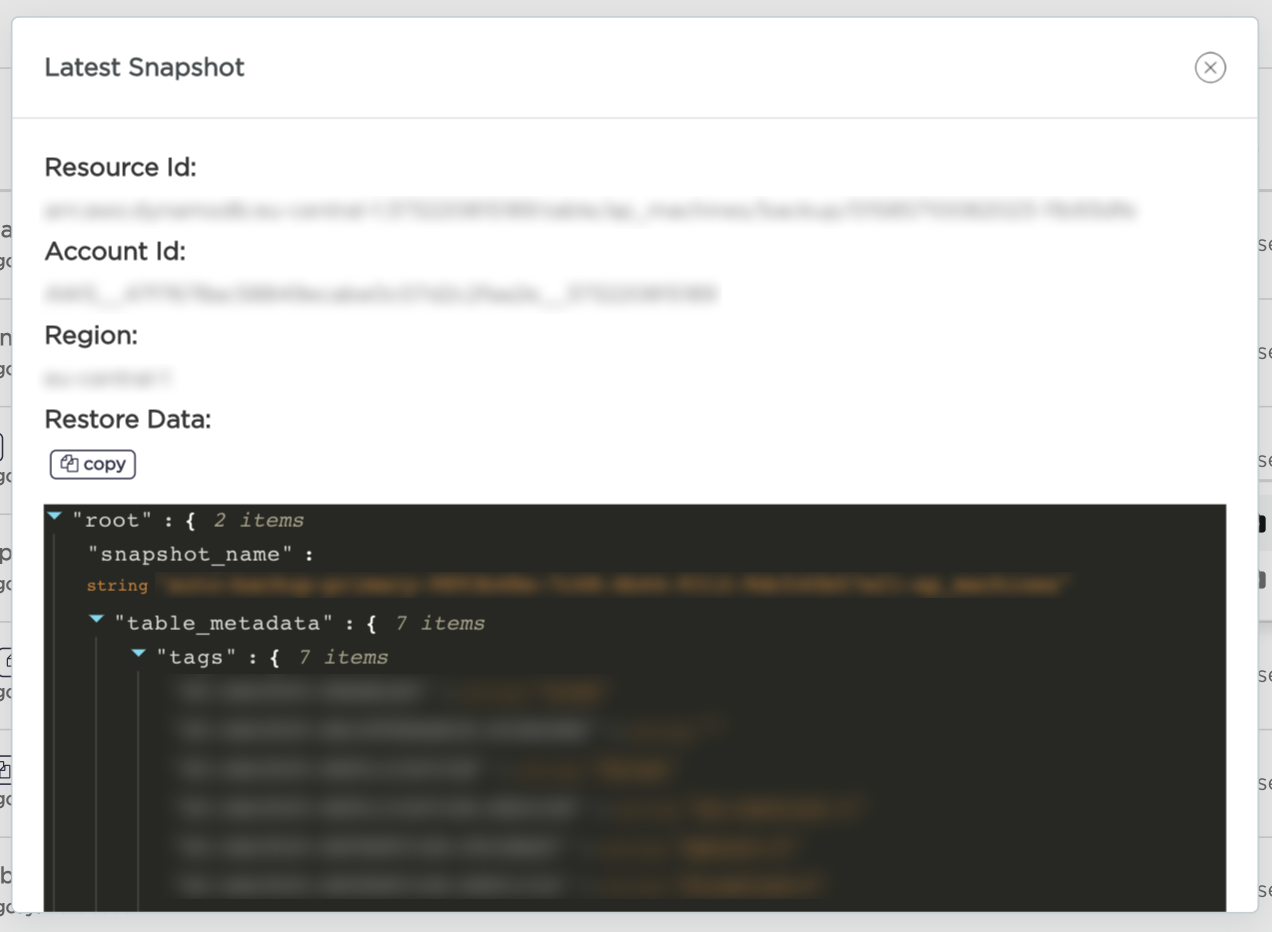
This section describes how to retrieve snapshot metadata necessary to perform it's restore.
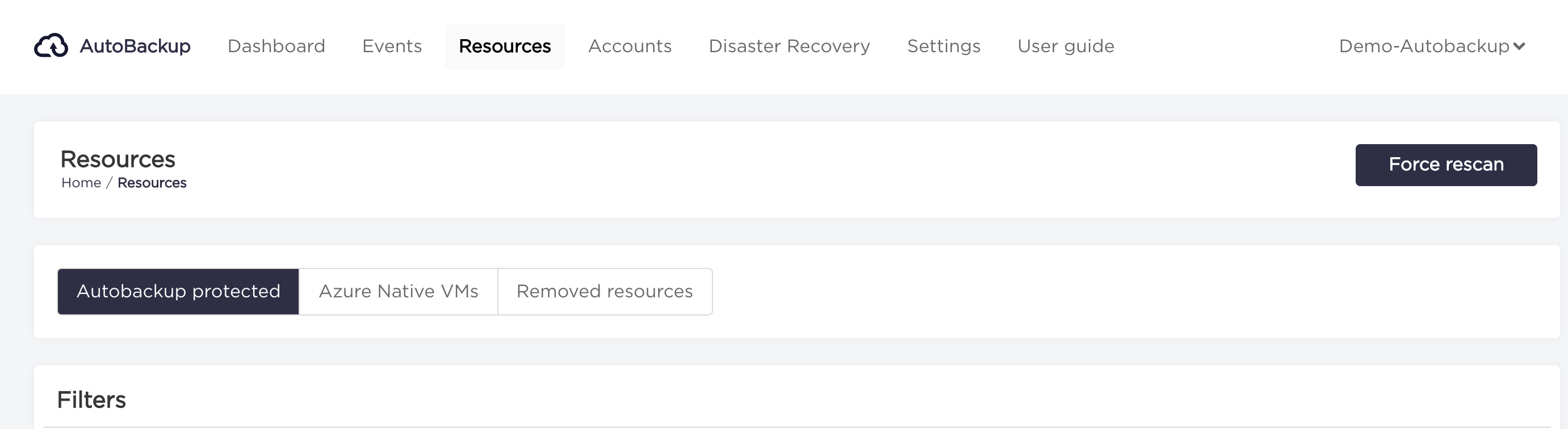
- Choose "Resources" from the navigation bar.
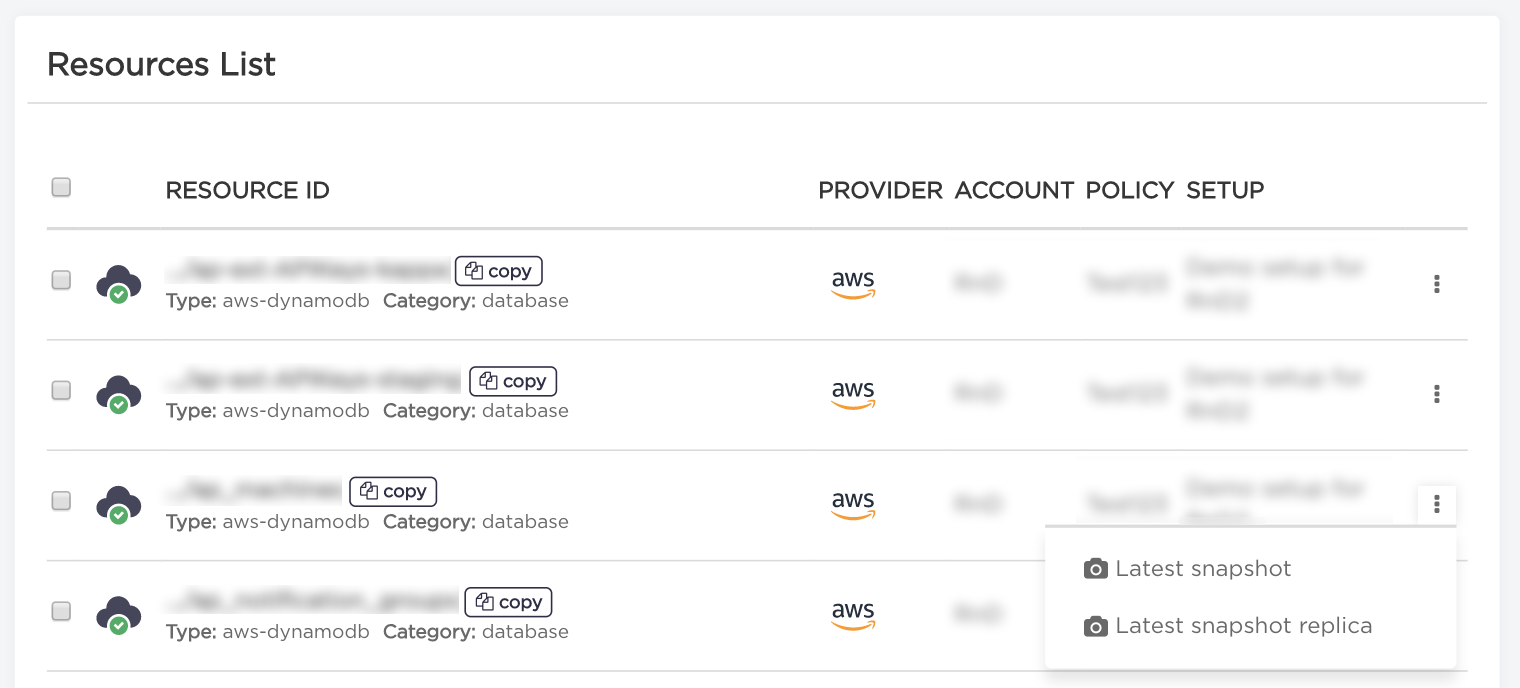
- Click on "three dots" on the right side of the resource for which you want to open information about the latest snapshot and select "Latest Snapshot" option.
- In the window that will appear you can see the latest snapshot and data needed to restore.