What is on the Dashboard
Here is an overview of widgets that are visible on the dashboard.
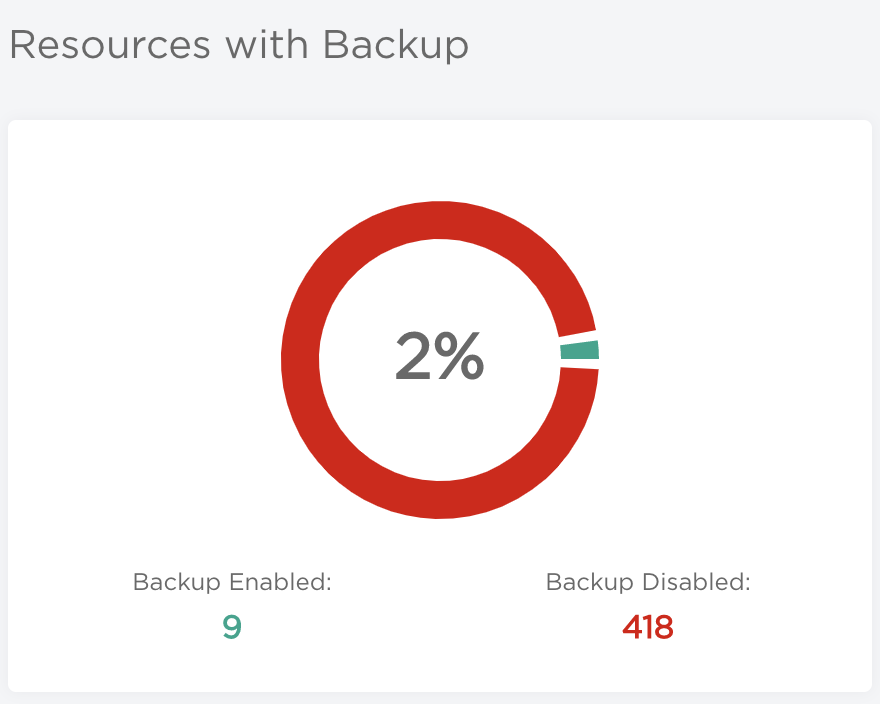
Resources with Backup
Contains the number of resources with backup enabled and disabled. Diagram illustrates percentage values.
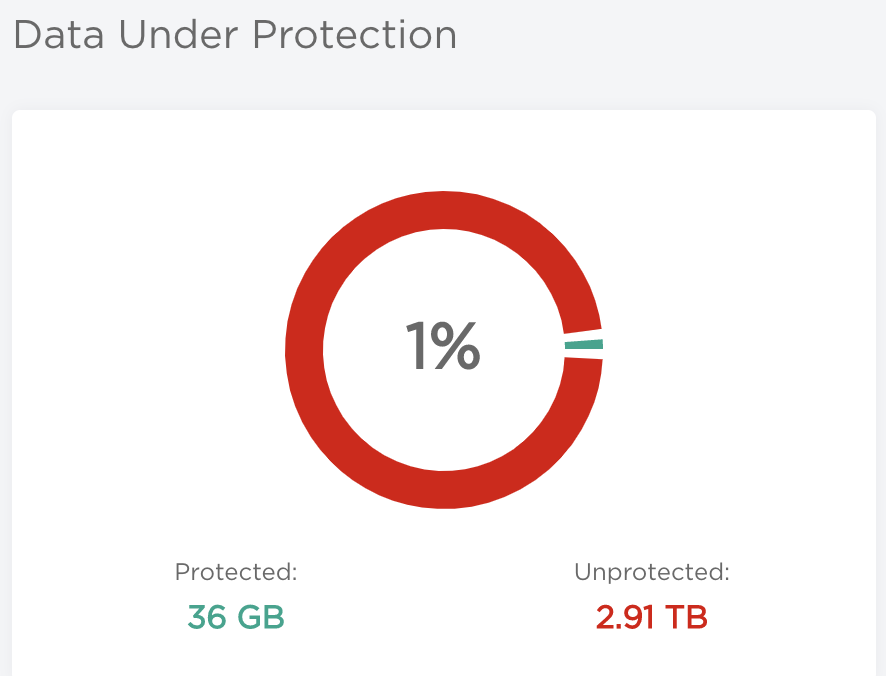
Data Under Protection
Shows volume of data under protection and without protection. Diagram illustrates those values in percents.
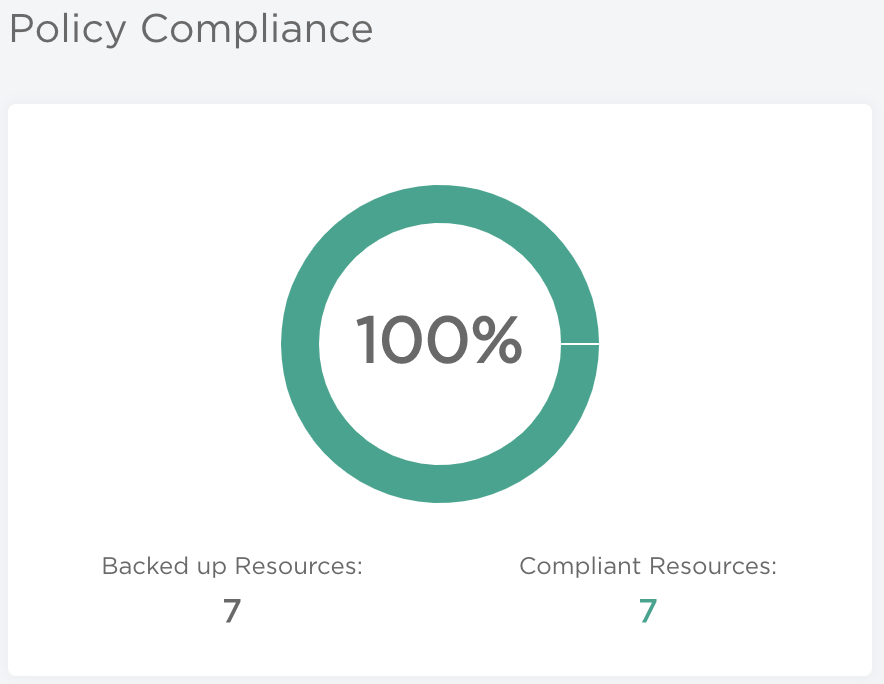
Policy Compliance
Illustrates the number resources that were backed up within SLA time set up in Policy in relation to total amount of backed up resources. Diagram shows the percentage of compliant resources.
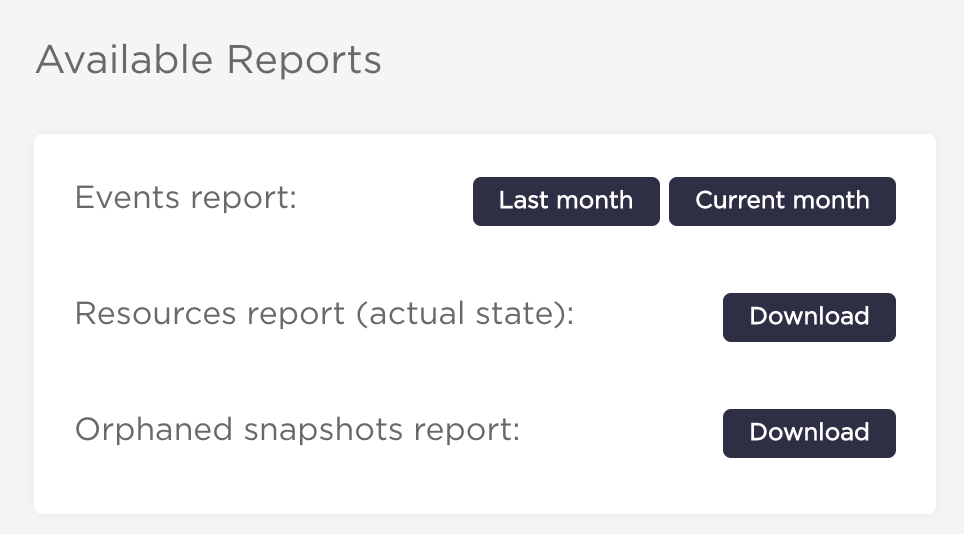
Available Reports
This section allows to download reports about: backup events (previous and the current month),
resources (actual state) and orphaned snapshots.
Scan Status
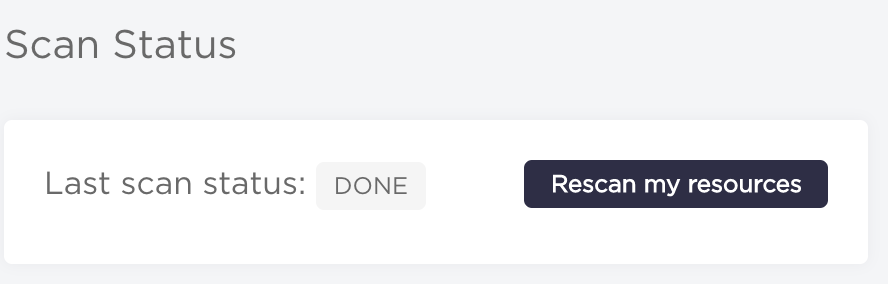
This widget contains status of last scan and a button that triggers another scanning of all resources.
Unprotected resources
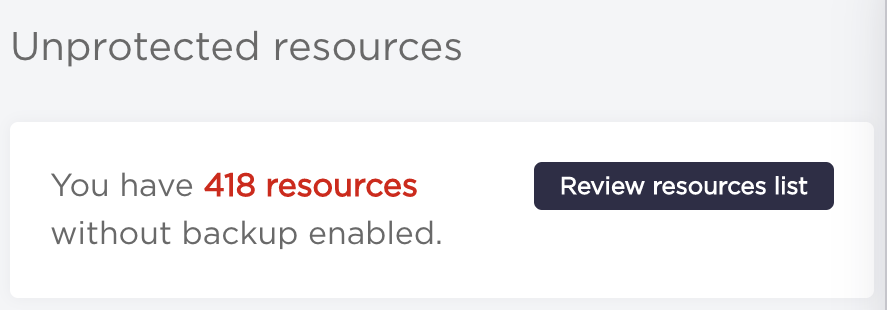
Shows a total number of resources without backup enabled and contains a button that redirects to Resources view with unprotected estate already filtered against protected resources.
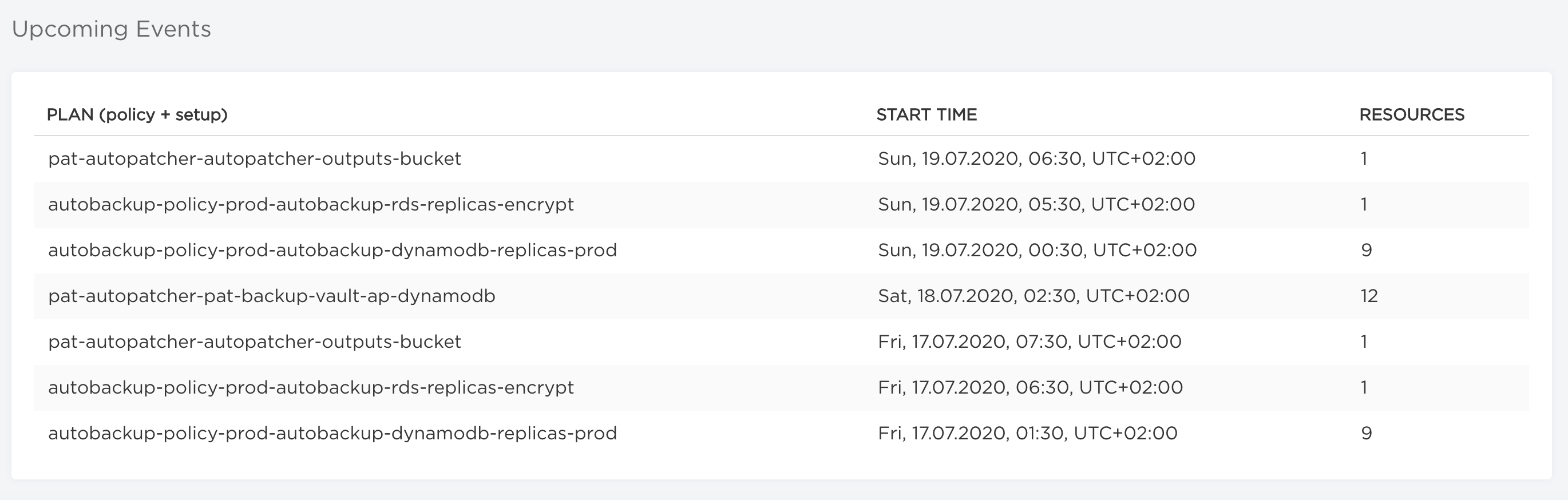
Upcoming Events
Shows a list of scheduled backups with a corresponding backup plan, start time and number of resources.