Tags
Enable or disable Tag-based Backup
You can enable/disable tag-based backup for your account in Settings.
Enabling tag-based backup will override manually set up backups. It will not be possible to change backup configuration from the level of UI.
If backup controlled by tags is enabled and tags applied to resource are correct then previously used configuration will be updated to this described in tags. Otherwise, AB configuration won't be replaced.
For the Route53 it is recommended to tag only one Hosted Zone with backup tags. Tagging multiple Hosted Zones with different backup tags value will cause the error and Route 53 will not be backed up.
Choose Settings.
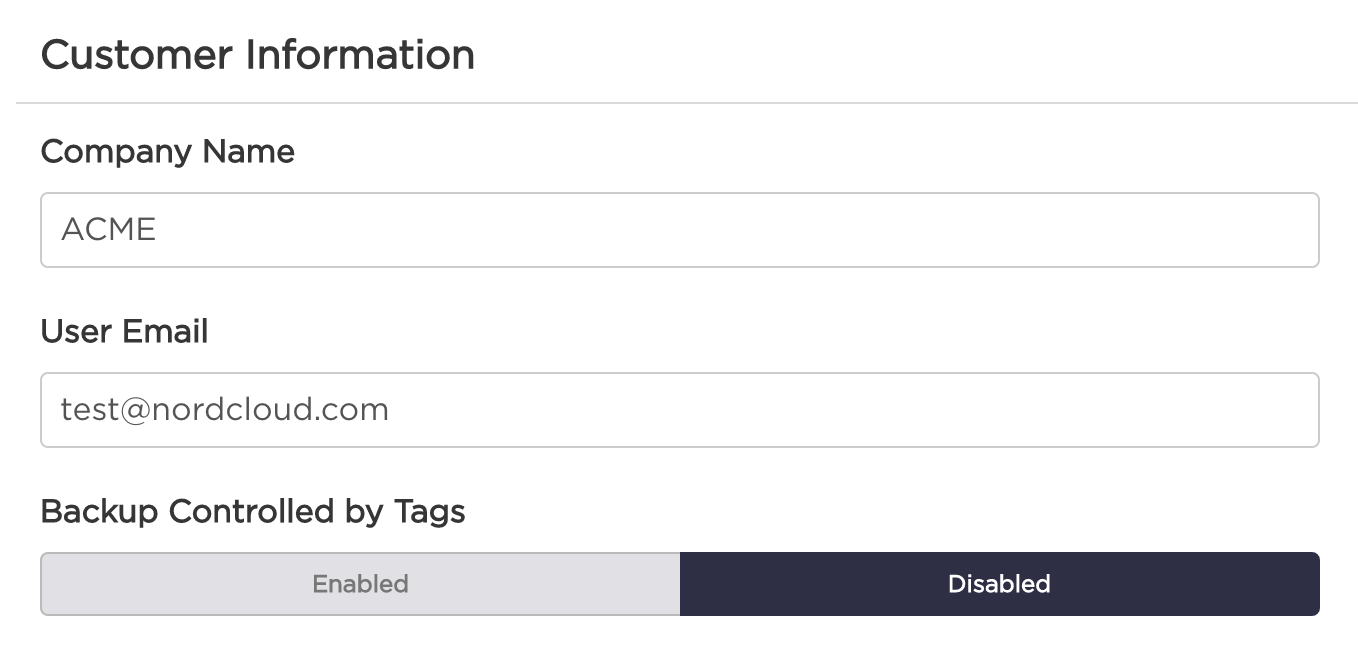
Choose Profile tab.
Use switch under Backup controlled by Tags to enable or disable this option.
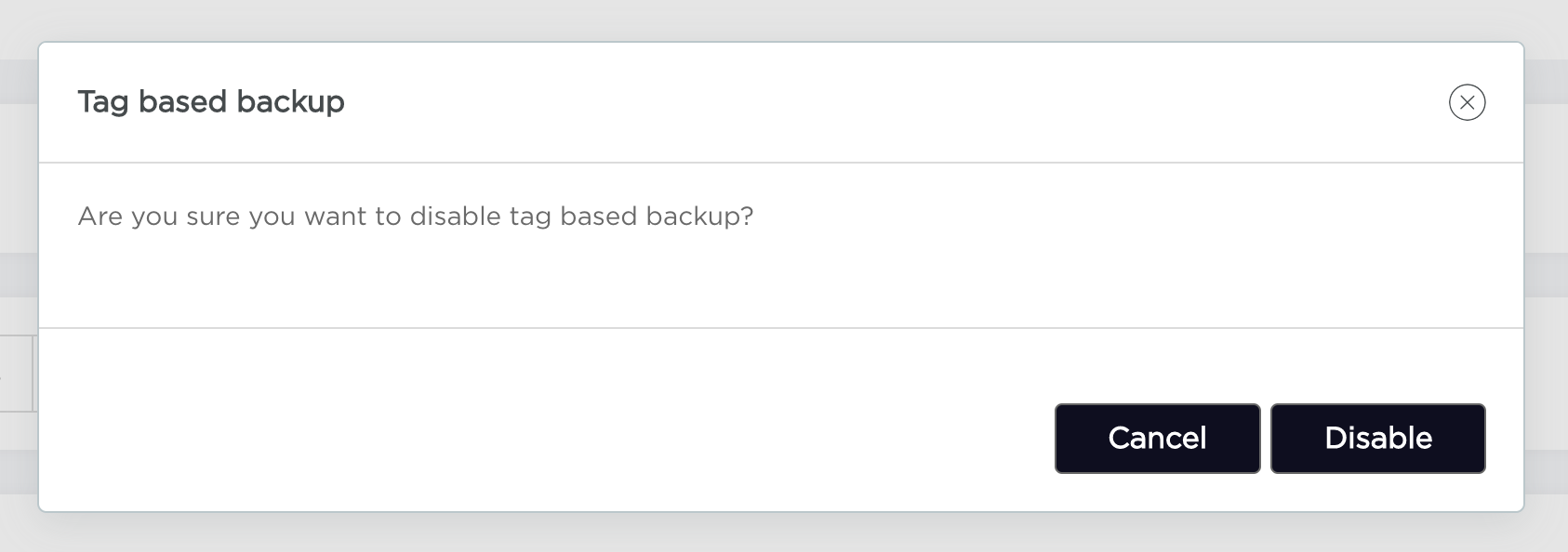
Cancel or confirm your action in popup.
Add Tag-based backup configuration
Choose "Settings" from the navigation bar.
Choose "Tags" tab.
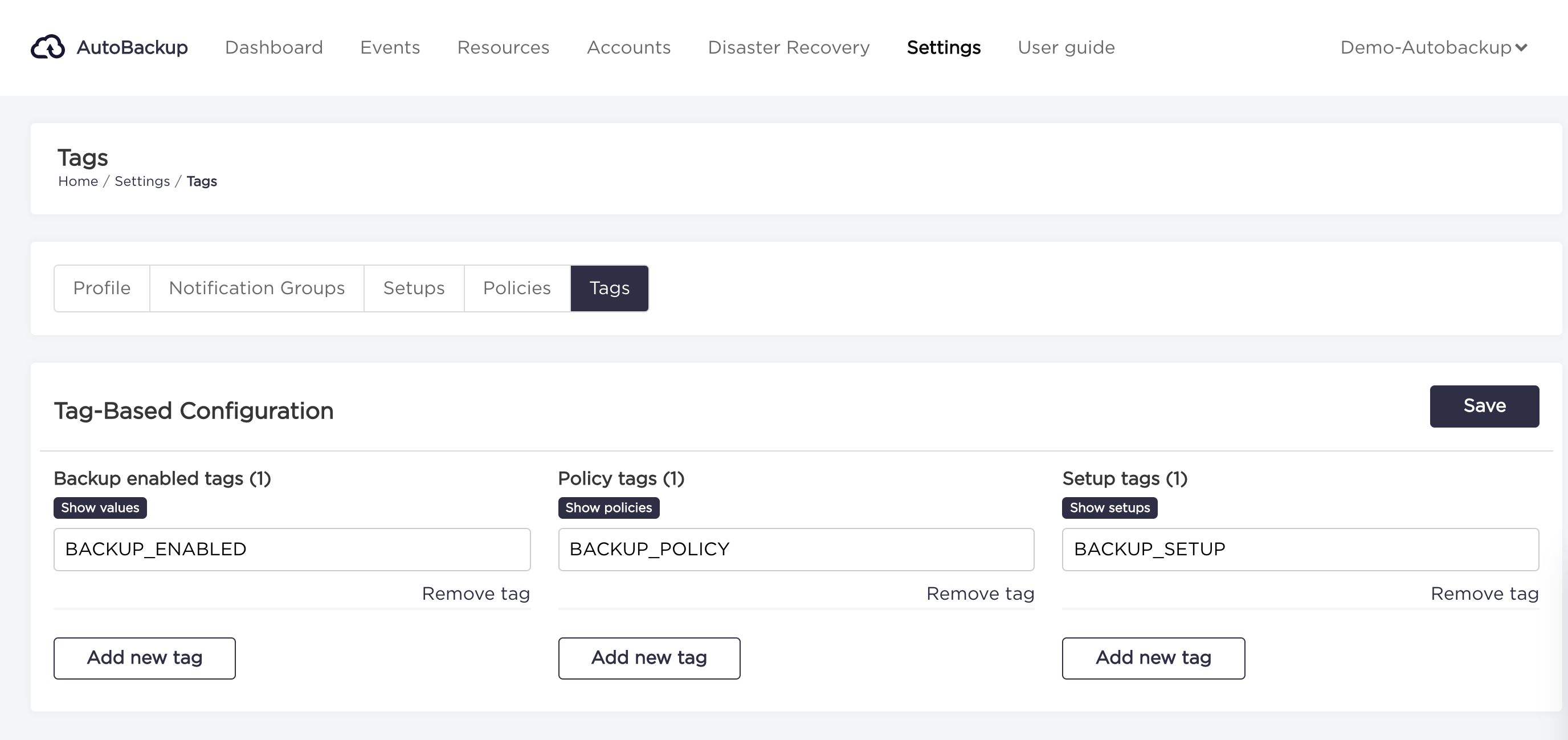
You can add tags in 3 categories:
- Backup enabled tags
- Policy tags
- Setup tags
To add a new tag to any category you need to click "Add new tag" button below the column. Type tag value in new input field. You can add as many tags as you need.
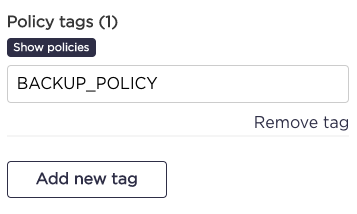
When you type all needed tags, you can click "Save" button.
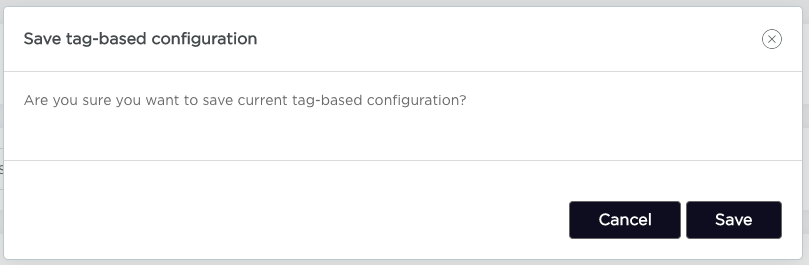
Click on "Save" button on the confirmation window.
Available tags values
To show a list of available values for tags you can click on the buttons:
Show valuesfor Backup enabled tags,Show policiesfor Policy tags,Show setupsfor Setup tags
Copy
Tag valueby clicking oncopybutton on the right side.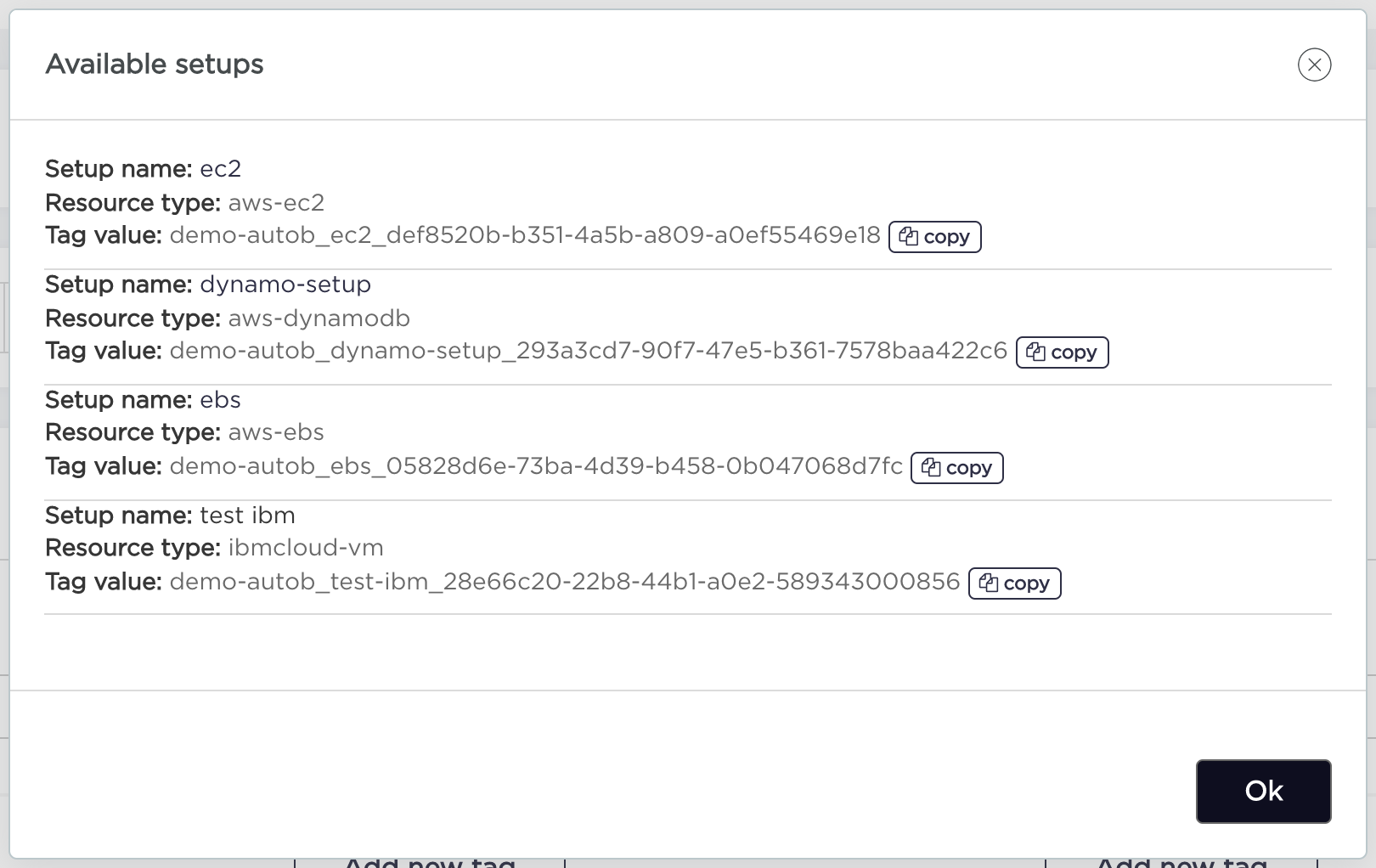 Now you can paste them (or identifiers of setups/policies) into your tag value in cloud provider console.